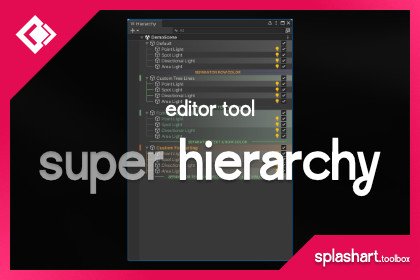
A clean Unity hierarchy is not about making every scene look perfectly symmetrical. It is about making the next action obvious: where an object belongs, who owns it, and what can be changed safely.
Organise by responsibility
Start with a small number of top-level groups that describe responsibility rather than object type. A useful baseline is Environment, Gameplay, Lighting, Audio, UI, and Systems. Adapt the names to your project, but keep their meaning stable across scenes.
Avoid a single giant group called Meshes. The person fixing a gameplay door should not need to search separately through meshes, colliders, scripts, and audio sources to understand one feature.
Name objects for search
Names should distinguish instances without becoming miniature documentation. Prefer Door_Lab_A over Cube (47), and use a predictable suffix only when it adds information. Let components describe implementation details; let the GameObject name describe its role in the scene.
Keep nesting shallow
Deep nesting increases the cost of every inspection. Add a parent when it provides a meaningful transform boundary, feature boundary, or ownership boundary. Do not add empty parents only to make the hierarchy visually balanced.
A five-minute cleanup routine
- Search for default names such as Cube, GameObject, and New Text.
- Move orphaned objects into a clear responsibility group.
- Delete empty containers that no longer serve a transform or ownership purpose.
- Check that disabled objects are intentionally disabled and still needed.
- Save the scene and review the diff before committing.
For projects where hierarchy scanning itself is the bottleneck, Super Hierarchy is the focused Frankentools editor asset in this part of the workflow. The tool should support a naming and ownership convention—not replace one.
Product links in this article go to official Unity Asset Store pages. See the affiliate disclosure for current tracking information.